
Press
Press kit
Everything you need to write about Beamize. For interviews and review access, write to press@beamize.app.
Fact sheet
- Name
- Beamize
- Developer
- Morin Innovation, Niort, France
- Founder
- Florent Morin
- Platforms
- Apple Vision Pro (visionOS 27.2 or later), iPhone (iOS 27.2 or later), iPad (iPadOS 27.2 or later), Mac (macOS 27.2 or later). One universal purchase.
- Category
- Developer Tools (secondary: Utilities)
- Price
- Free download. Beamize Pro is an auto-renewable subscription: €4.99 a month or €39.99 a year in France (VAT included), $3.99 a month or $34.99 a year in the US (before tax). Prices at App Store launch; they vary by storefront. One week free for new subscribers, on either plan, once per Apple Account.
- Free
- Share your screen. Watch one screen at a time.
- Beamize Pro
- Agent access on the Mac. Up to four screens at once.
- Agent interface
- A local MCP server on the Mac with six tools. Off by default, no network port. Works with MCP clients that start a local (stdio) server and speak MCP 2025-03-26 or later.
- Languages
- English, French, German, Italian, Spanish, Brazilian Portuguese, Japanese, Korean, Simplified Chinese, Arabic
- Privacy
- No account, no server. Local network only, encrypted device to device. App Privacy: Data Not Collected. With agent access on, screenshots go to the agent you connect, which may send them to its AI provider.
- Status
- Public beta on TestFlight. App Store release: date to be announced.
- App Store
- id6499223272 (link at launch)
- Website
- beamize.app
- Press contact
- press@beamize.app
What it does
It does
- Shows the screen of your Apple Vision Pro, iPhone, iPad or Mac live on your other devices, over your own network.
- On Apple Vision Pro, sends your app windows on black. The room around you is never captured.
- On the Mac, gives each screen you watch its own window, beside your code. Up to four at once with Pro.
- On the Mac, with Pro, lets AI agents look too: a local MCP server lists your devices, watches one, takes screenshots and waits for the screen to change.
- Pairs devices with a person on each side: Accept, then a six-digit code. Keys are pinned after that.
It does not
- It never sends input to a device: no tap, no typing. Agents get eyes, not hands.
- Agents get pictures, not video: a screenshot, a short burst, or the next picture once the screen changes.
- It works on the same local network only. Between your devices, nothing goes through the internet.
- Screenshots go to the agent you connect, which may send them to its AI provider.
- No sound, and no way to save a video.
- One viewer per sharing device. The agent interface runs on the Mac only.
- An agent cannot pair a device or start sharing. A person always does.
- Sharing from iPhone or iPad has not been measured on devices yet.
Story ideas
An app with two users.
Beamize has an interface for people and one for AI agents. For Florent Morin, apps used to do what you ask; the next ones also take what you delegate. In Beamize, you delegate the looking.
Eyes for coding agents.
A coding agent can build and install an app on Apple Vision Pro, but it cannot see what the app shows. With Beamize Pro, once a person has paired the device and started sharing, the agent gets screenshots of the real device.
Apple Vision Pro, with nobody wearing it.
Taken off, Apple Vision Pro sleeps. With AFJKLab's anti-sleep cap, a paid file on Etsy, and a free 3D-printed frog stand that keeps its cameras clear, Florent Morin measured 48 hours of non-stop sharing on his own Apple Vision Pro, on power. Neither comes from Apple: use them on a test device, at your own risk, since the cap keeps it awake and unlocked. See what you need.
No account, no server.
Device to device on your own network, with pinned keys and a code to pair. App Privacy: Data Not Collected. On Apple Vision Pro, your windows on black, never your room. Agent screenshots go wherever the agent you connect sends them.
Boilerplate
50 words
Beamize shows the screen of your Apple Vision Pro, iPhone, iPad or Mac live on your other devices, over your network. With Beamize Pro, AI agents on the Mac can look too, through a local MCP server. No account, no server: devices pair with a code. Free to download.
100 words
Beamize, by Morin Innovation, is an app with two interfaces: one for people, one for AI agents. It shows the screen of your Apple Vision Pro, iPhone, iPad or Mac live on your other devices, over your own network, encrypted device to device. On Apple Vision Pro it sends your app windows on black, never the room. On the Mac, a local MCP server lets your AI agent list devices, watch one and take screenshots. The agent cannot pair a device or send input. Sharing and watching one screen are free; Beamize Pro adds agents and up to four screens.
Founder
Short bio
Florent Morin is the founder of Morin Innovation, a software studio in Niort, France. He builds and leads products on Apple platforms as an independent CTO, with a focus on spatial computing and Apple Vision Pro.
Long bio
Florent Morin is the founder of Morin Innovation, a software studio in Niort, France, and an independent, long-term CTO on Apple platforms. He works on spatial computing systems for Apple Vision Pro, and is a member of the STUDIO·84 collective. For the immersive community he makes MV Converter, which turns 3D, 360° and HDR footage into Apple Immersive Video on the Mac, MV Player, a player for spatial and immersive video, and MV Experience. Like MV Experience, Beamize has an interface for people and one for AI agents.
Assets
Free to use in coverage of Beamize, with the usage notes below. Download all (ZIP, 92 MB): icon, screenshots, videos and the usage notes.
App icon
- Indigo
#4D45E6 - Deep indigo
#332E9E - Beam cyan
#59D9FF - Night
#090A22
Screenshots
The App Store screenshots in English, composed sets, one ZIP per device.
-
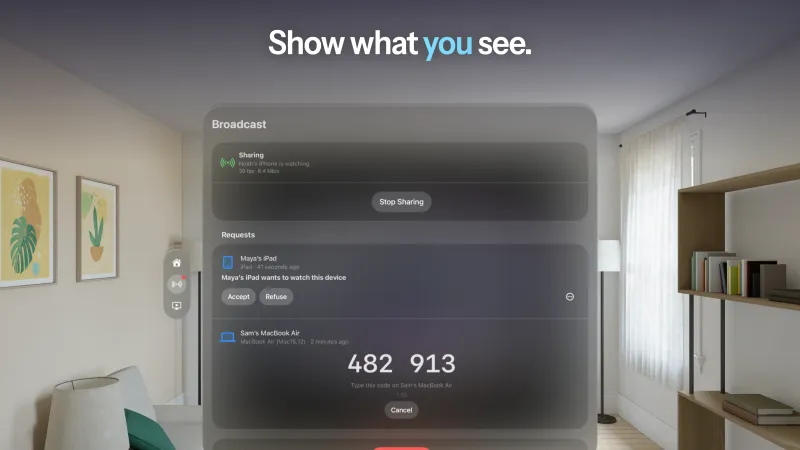
Apple Vision Pro
-
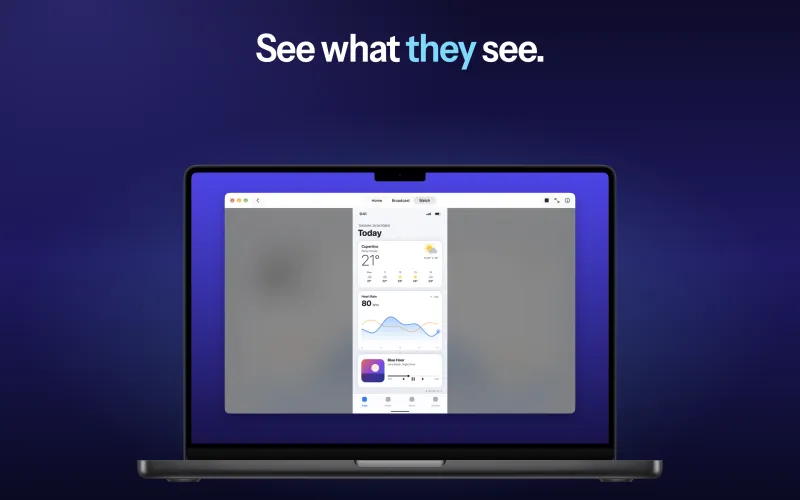
Mac
-
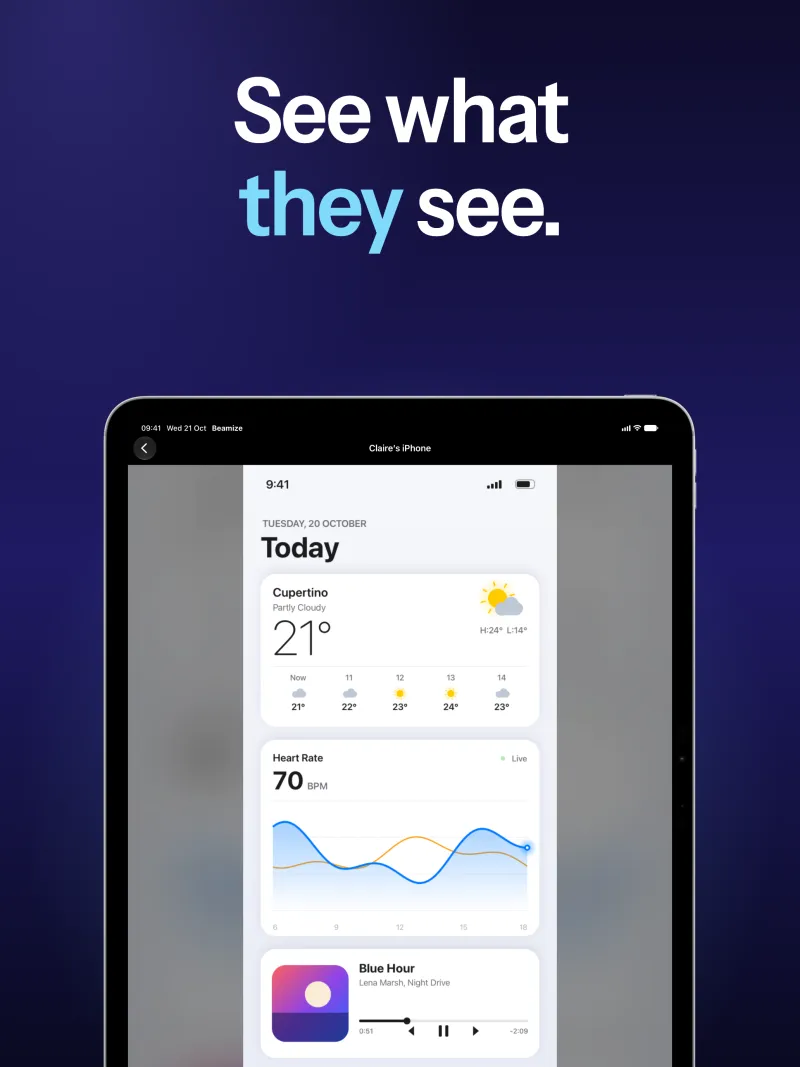
iPad
-
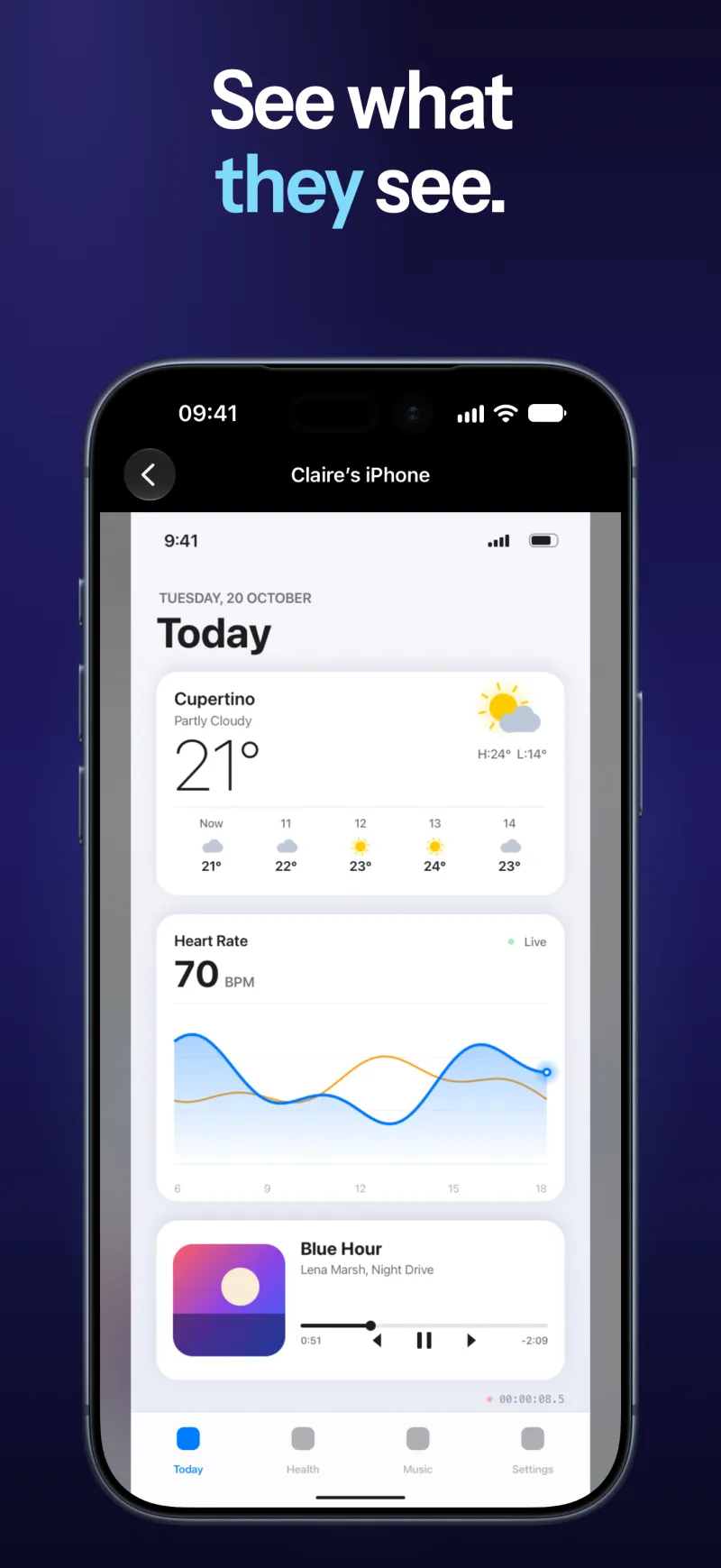
iPhone
-
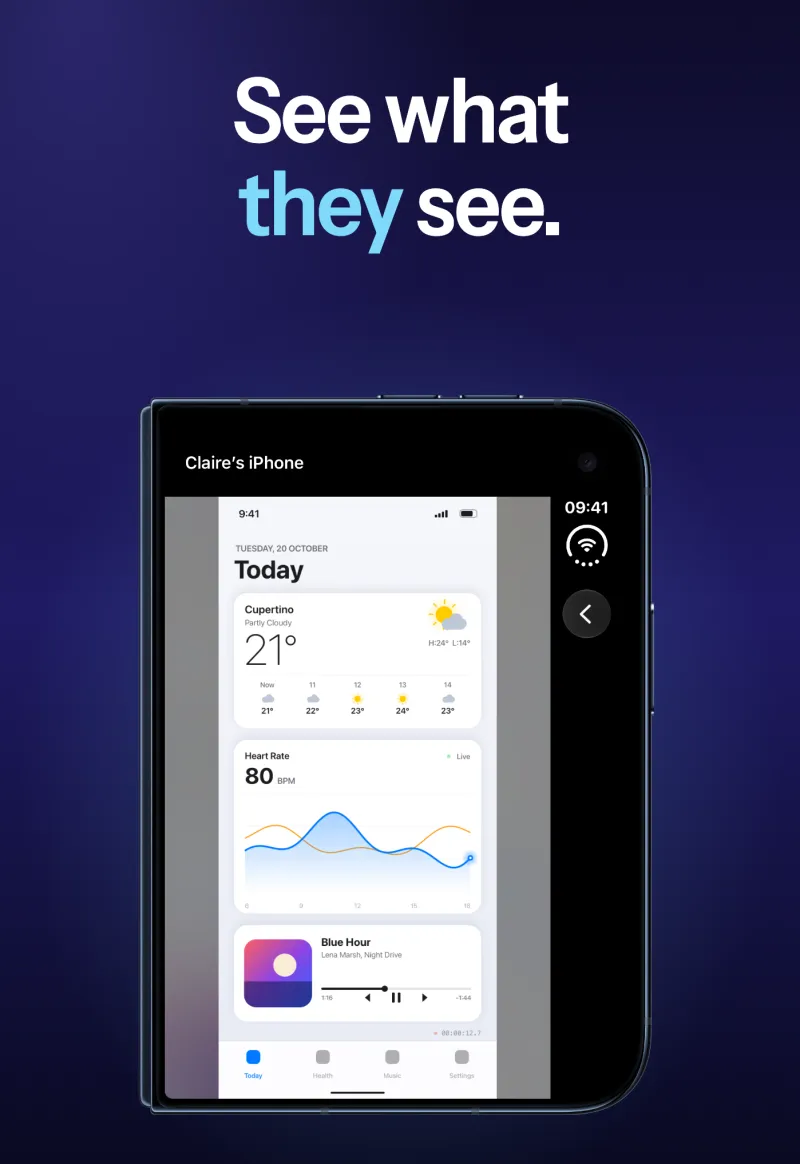
iPhone Duo
Videos
-
A real session
A Mac pairs with Apple Vision Pro and watches its windows, on black. No sound.
What the video shows
On the Mac, Beamize opens on Home. In Watch, the Mac asks to watch Apple Vision Pro; once the request is accepted there, the code it shows is typed on the Mac. The Mac waits while Share Screen is tapped in Beamize on Apple Vision Pro, then shows its windows on black: Control Center and the Beamize Broadcast window. Back in Watch, Apple Vision Pro is listed as paired.
-
App Store, search
An animation made for App Store search results, from the app's real screens: an iPhone screen shown live on a Mac. No sound.
-
App Store, header
An animation made for the App Store page, from the app's real screens: app windows shown live on a Mac. No sound.
Usage notes
- The device frames and the Apple devices pictured in the screenshots and App Store videos come from Apple. They belong to Apple and are shown only to present Beamize: do not extract them or use them on their own. For Apple product images, use Apple's own, unaltered.
- What the devices show in the screenshots and App Store videos (weather, heart rate, music, names) is sample content made for illustration.
- The screenshots for Apple Vision Pro show the app in the visionOS Simulator's room, as App Store screenshots do. From Apple Vision Pro, Beamize sends your app windows on black, as in the real session.
- The real session was captured on Florent Morin's own Mac and Apple Vision Pro. The visionOS screens and App Store content it shows are Apple's.
- The screenshots are the App Store set prepared for launch. They can change before release.
Contact
Interviews, review access, or anything else for coverage: press@beamize.app.
Questions about the app: support@beamize.app.